Organization Setup – Profile & GST Management
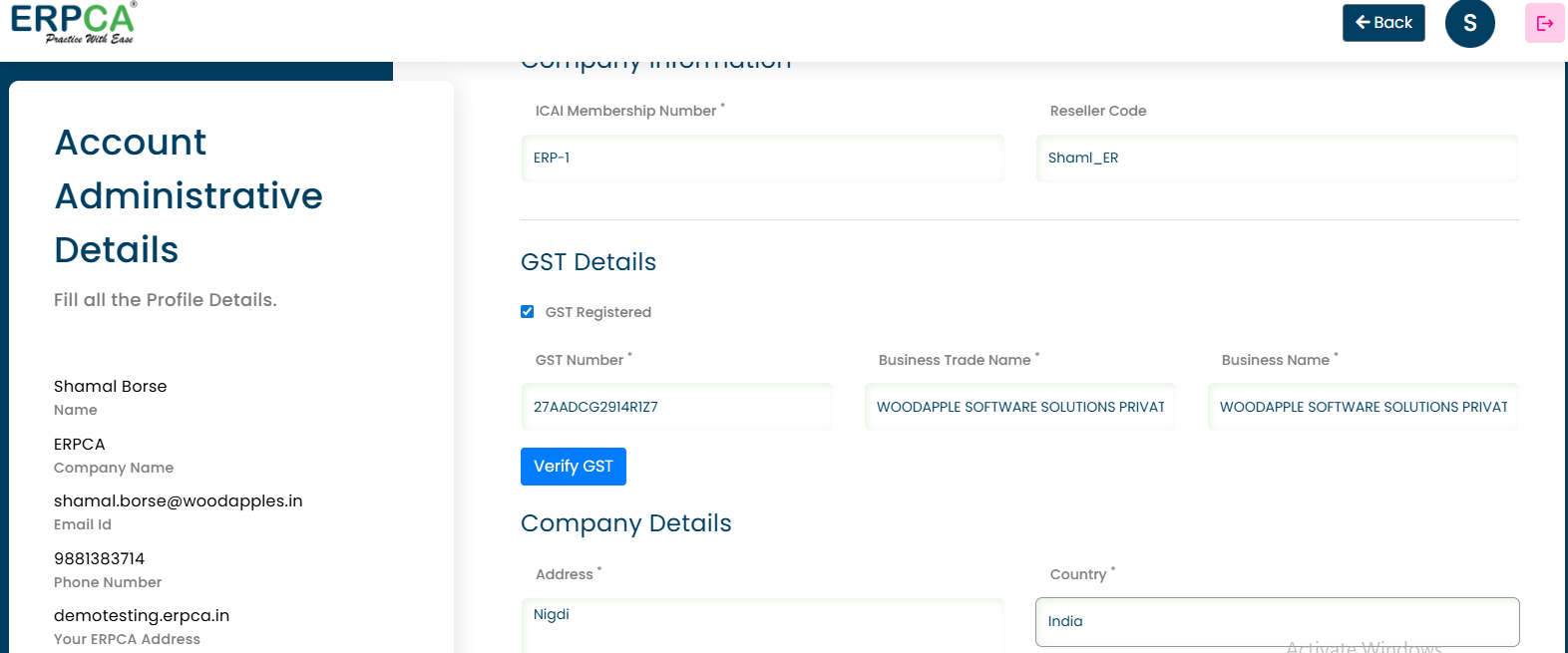
To update the organization details: Steps:Go to the Main Menu.Open the Setup section.Click on Organization Setup. From here, you can:Update the Organization First NameModify the IC…
To update the organization details:
Steps:
Go to the Main Menu.
Open the Setup section.
Click on Organization Setup.
From here, you can:
Update the Organization First Name
Modify the ICAI Membership Number
Change the Address
Add the Office GST Number
Verify the added GST Number
This section is used to manage the organization’s basic profile and statutory details.
Updated 18 Feb 2026 · View on support.erpca.com