ERPCA
Video Library
Step-by-step tutorials, product walkthroughs and customer stories showing how ERPCA works.
150 videos · Page 7 of 7
Start here · Learning Series
ERPCA from setup to daysheets, in 12 episodes
The onboarding course our team walks every new firm through: account set-up, users, workflows, customers, tasks, expenses, daysheets and documents — in the order you will actually do them.
-
1
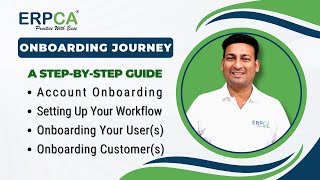 Onboarding Journey: Account Setup | User & Customer | Seamless Workflow
-
2
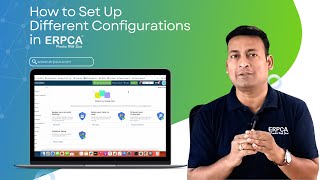 Setting Up Different System Configurations in ERPCA
-
3
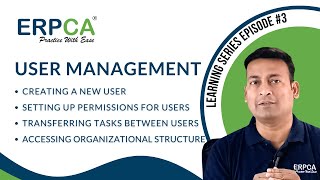 User Management : Adding Users | Permissions Setup | Task Transfer
-
4
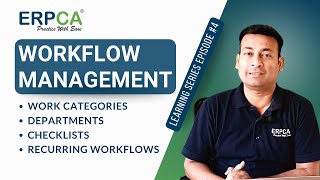 Workflow Management : Categories | Departments | Checklists | Recurring
-
5
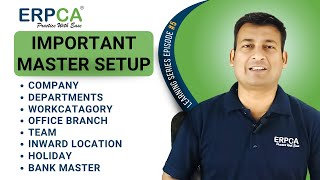 Important Master Setup : Company Departments and More
-
6
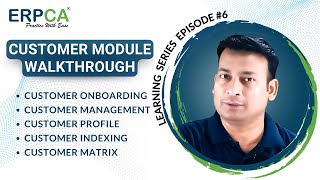 Customer Module Walkthrough : Onboarding | Management | Profiles & More
-
7
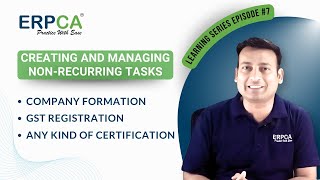 Creating Non-Recurring Tasks in ERPCA: Company Formation | GST Registration
-
8
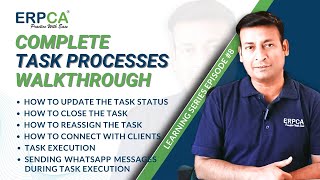 Task Processes : Status | Reassignment | Client Connection & More!
-
9
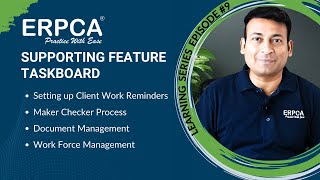 Supporting Feature Taskboard | Client Work Reminders | Maker Checker
-
10
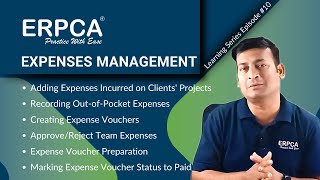 Expenses Management : Client Project Expenses | Vouchers | Approvals
-
11
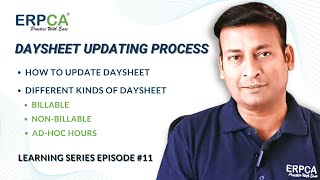 Daysheet Updating Process : Billable | Non Billable | Ad Hoc Hours
-
12
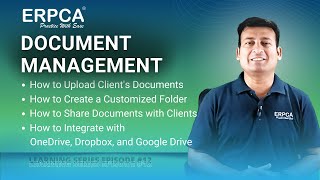 Document Management : Upload | Customize | Share & Integrate
ERPCA User Tips
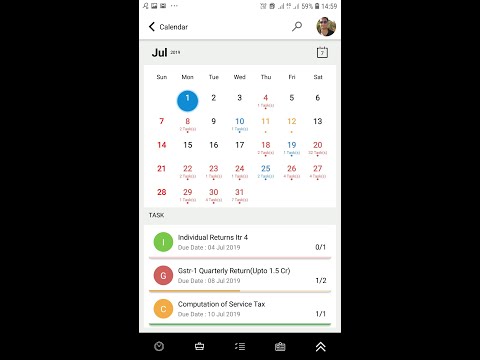
ERPCA Mobile app training video for team members of Chartered Accountants / CS
ERPCA User Tips
How to create new customer in ERPCA?
ERPCA User Tips
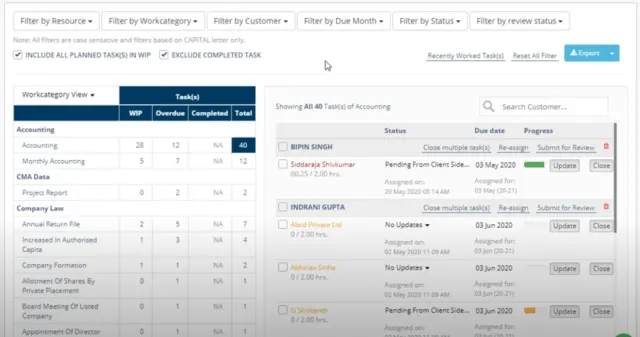
How to delete multiple tasks in one go in ERPCA?

ERPCA User Tips
IMPORT TASK THROUGH EXCEL USING CUSTOMER UID IN ERPCA
ERPCA User Tips
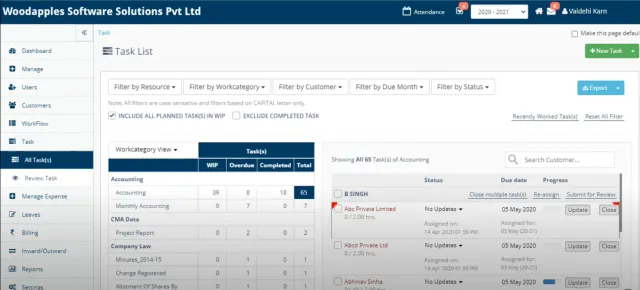
How to edit task in ERPCA?
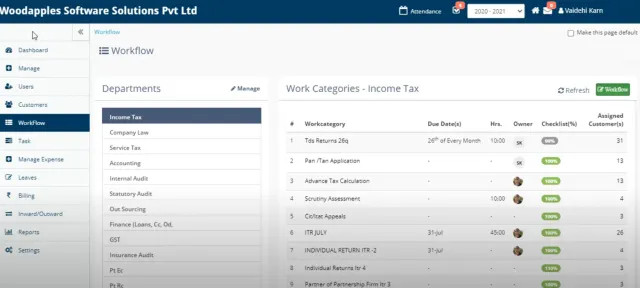
ERPCA User Tips